
Receipt maker app: PDF receipts from your phone in 30 seconds
Cash, rent, deposit and partial-payment receipts with the balance due — signed, numbered and ready to send by text or email.
The Android app is coming soon. You can create receipts on this website in the meantime.
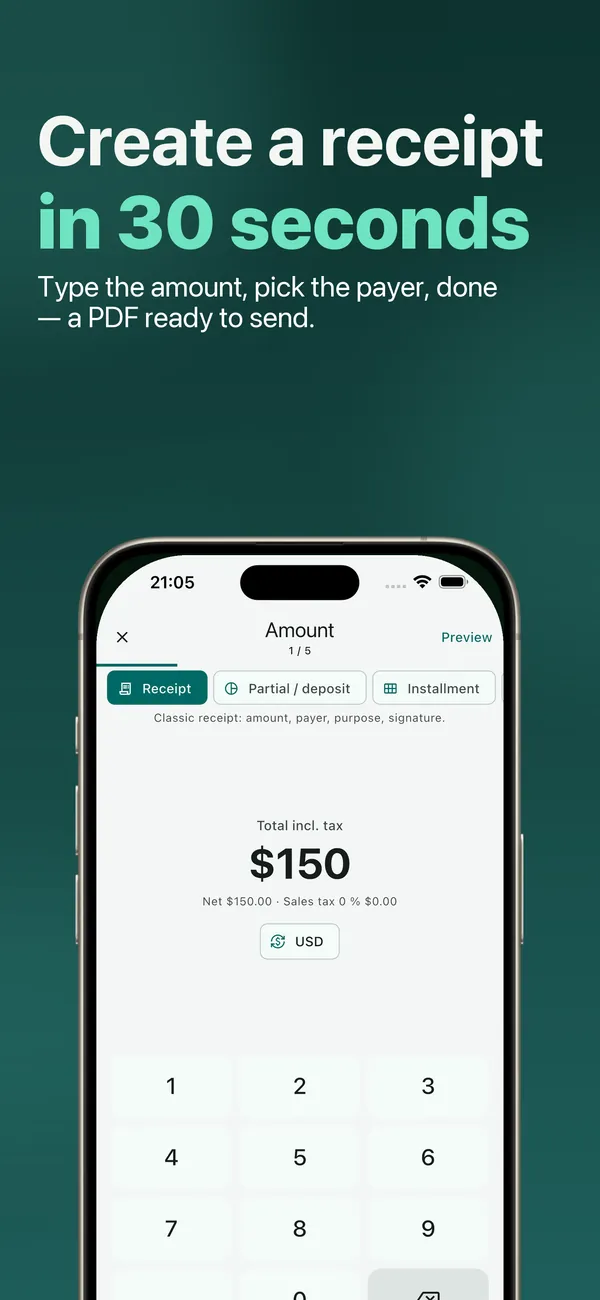
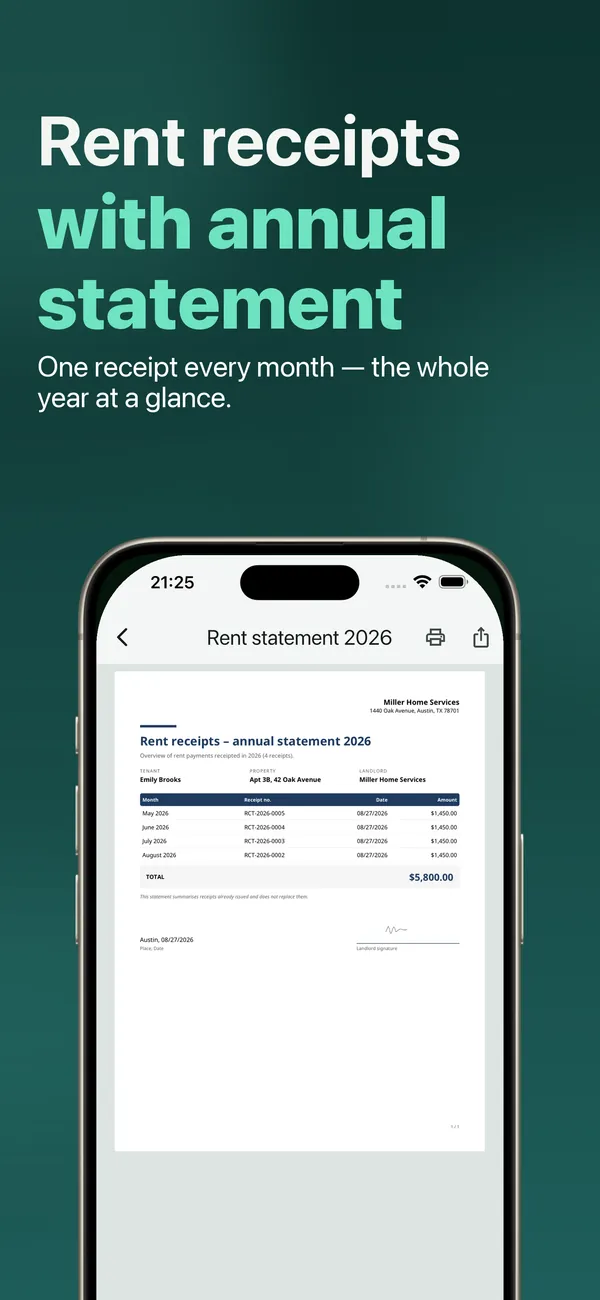
Six receipt types
The receipt you actually need — not a store receipt look-alike
Cash receipt
Amount, payer, what it was for, your signature. The classic.
Create one online →Partial payment & down payment
Total, paid so far, this payment — the balance due is worked out for you.
Create one online →Installment plan
One receipt per installment — “payment 2 of 6” — with the full schedule on it.
In the appRent receipt
Property, rental period and the rent broken down; with Pro, a yearly statement per tenant.
Create one online →Security deposit
Proof that the deposit was received, clearly marked as a deposit, with no tax line.
Create one online →Private sale
Selling a car, bike or furniture to another private person — sold-as-seen wording, buyer and seller sign.
Create one online →
Inside the app
Type the amount. Pick the payer. Send.
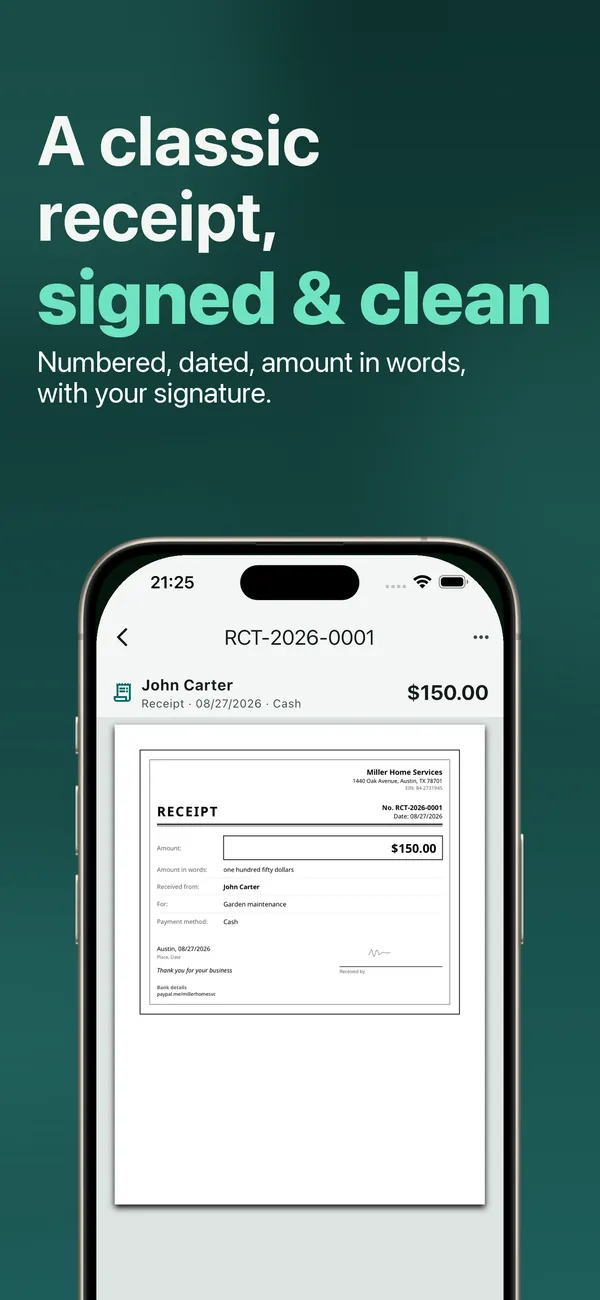
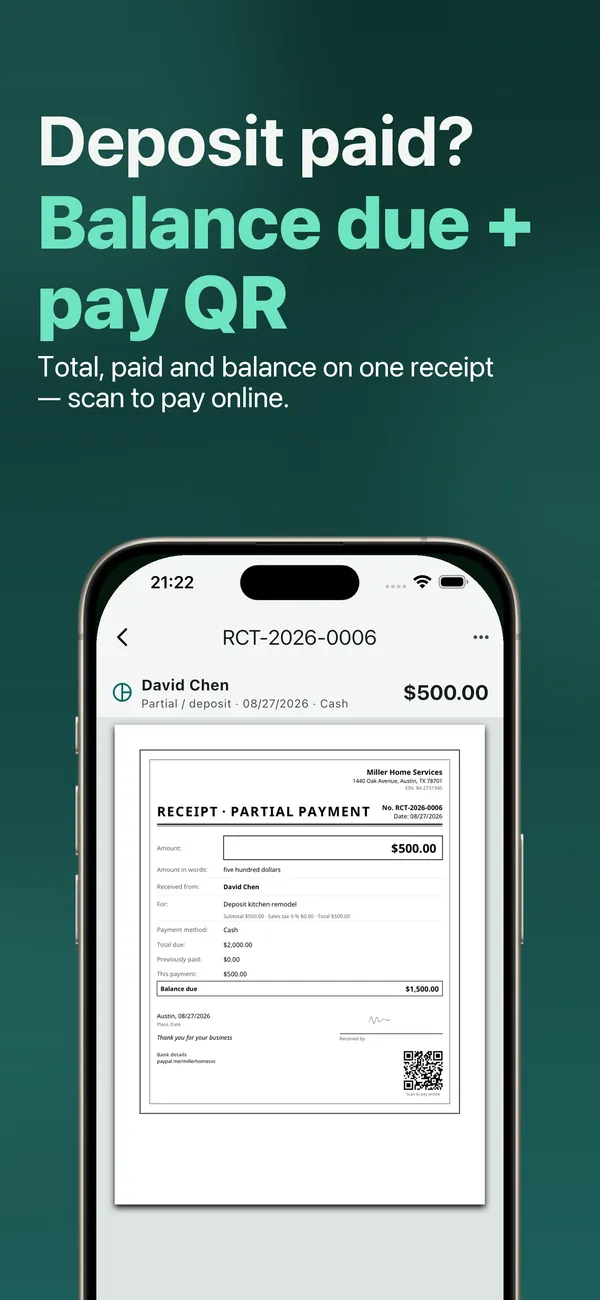
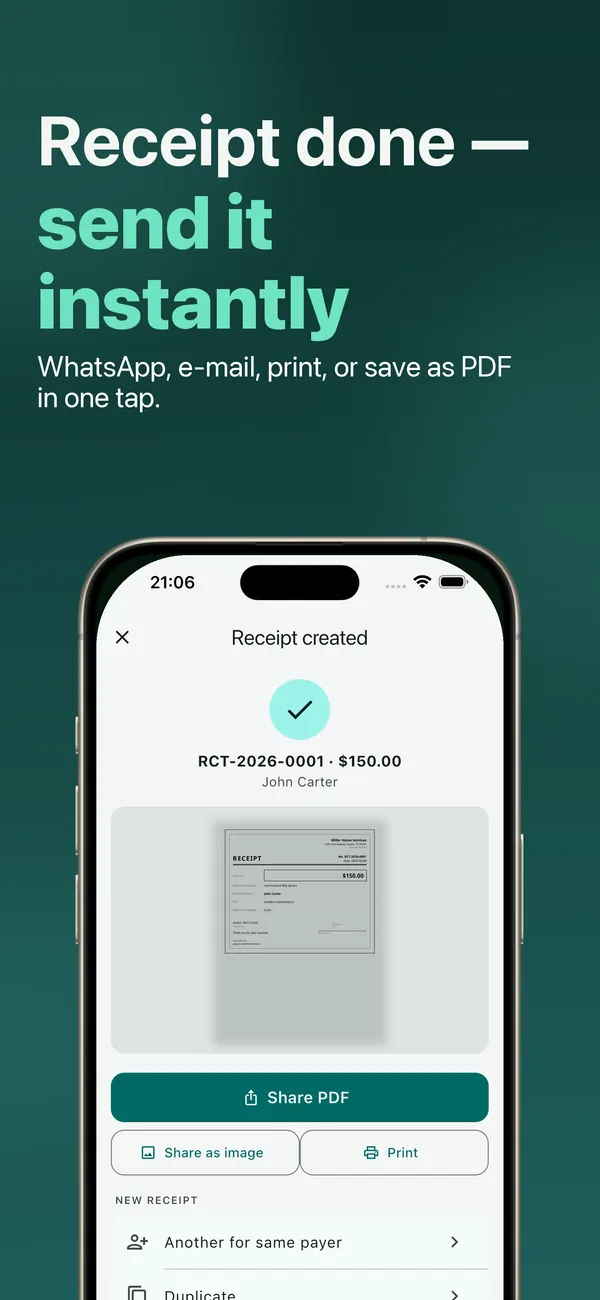
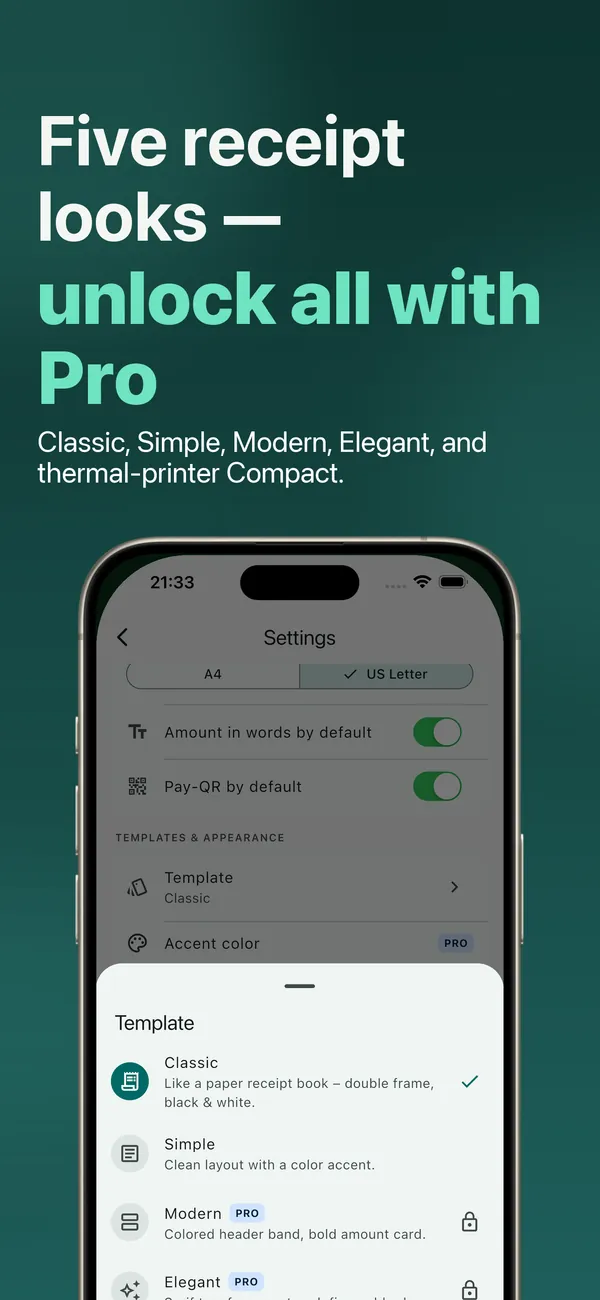
Swipe for more →
Free vs Pro
Start free. Upgrade when receipts become routine.
The free plan covers 3 receipts a month. Pro is a monthly or yearly subscription, or a one-time purchase, in the App Store — prices are shown in your store’s currency.
| Feature | Free | Pro |
|---|---|---|
| Receipts per month | 3 | Unlimited |
| All six receipt types, signature, amount in words | Included | Included |
| Payment QR code on the receipt | Included | Included |
| Watermark | Small footer line | None |
| Templates | Classic, Simple | + Modern, Elegant, Compact |
| Accent colors & fonts | Not included | Included |
| Annual rent statement per tenant | Not included | Included |
Free
- Receipts per month
- 3
- All six receipt types, signature, amount in words
- Included
- Payment QR code on the receipt
- Included
- Watermark
- Small footer line
- Templates
- Classic, Simple
Pro
- Receipts per month
- Unlimited
- All six receipt types, signature, amount in words
- Included
- Payment QR code on the receipt
- Included
- Watermark
- None
- Templates
- + Modern, Elegant, Compact
- Accent colors & fonts
- Included
- Annual rent statement per tenant
- Included
Website or app?
On this website
One receipt, right now
Fill in the form, check the preview, download a PDF. Nothing is uploaded and there is no account. Each PDF carries a small “Created with Receipt Maker” line.
In the app
Receipts every month
Duplicate last month’s receipt in one tap, keep every receipt searchable on your phone, sign with your finger and send by text, email or print.
The Android app is coming soon. You can create receipts on this website in the meantime.
FAQ
Questions people ask before they start
Is a receipt the same as an invoice?
No. A receipt confirms that money was received. An invoice asks for payment and, for businesses, has to follow tax rules. If you need to send invoices, use invoicing or accounting software — this app makes receipts.
Is a receipt from this app legally binding?
We don’t make legal promises. The app lays out the details a receipt usually contains; whether a document is accepted depends on who asks for it and where you live.
Where is my data stored?
On this website, the form never leaves your browser. In the app, receipts, payers and signatures stay on your phone, and you don’t need an account.
Does it work on Android?
The app is on iPhone and iPad today. The Android version is coming soon; the online generator works in any browser.
How many receipts can I make for free?
3 receipts a month in the app, with a small watermark; Pro removes the limit and the watermark. On this website you can create receipts one at a time, also with a watermark.
How do I cancel a subscription?
Subscriptions are billed by Apple. On iPhone, open Settings › your name › Subscriptions, choose the app and tap Cancel Subscription. Deleting the app does not cancel it.
Next month’s receipt is one tap away.
Free to download. 3 receipts a month included.
The Android app is coming soon. You can create receipts on this website in the meantime.